Colorizer
AI Manga Colorizer Online
Colorize black-and-white manga panels, comic pages, sketches, and line art with AI. Upload a JPG, PNG, or WebP image, add optional color notes for palette or lighting, and generate a clean color pass while preserving the original manga line art.
NSFW manga, hentai & doujin colorizerUpload image
JPG, PNG, or WebP.
Color notes
Optional guidance for palette, mood, or lighting.
Preview
View your colorized outputs.
Your colorized images will appear here.
AI manga colorization
Colorize Black-and-White Manga Panels with AI
Kyukoma's manga colorizer turns black-and-white manga panels, comic pages, grayscale scans, sketches, and clean line art into colorized images while keeping the original ink lines visible. It is designed for creators who want a fast color pass before polishing a page, testing a palette, or preparing a panel for sharing.
Color notes let you guide the result without writing a long prompt. Mention character colors, lighting, mood, background palette, or style direction, then choose a colorizer model and preview the output before downloading the colorized image.
How to Use Kyukoma's Manga Colorizer
The workflow is intentionally simple: upload an image, give the AI only the guidance it needs, generate, and download the result.
Step 1
Upload a JPG, PNG, or WebP image
Use a clean manga panel, comic page crop, sketch, grayscale scan, or line art image. Higher-contrast inputs usually preserve details better.
Step 2
Add optional color notes
Describe palette, character colors, lighting, or mood. Short notes such as "blue jacket, warm sunset, muted background" are often enough.
Step 3
Choose a colorizer model
Pick from the available colorizer models depending on the look you want and the credits you want to spend per image.
Step 4
Preview and download
Review the colorized manga image in the preview area, open it full size, and download it when it is ready.
Manga Colorizer Examples
These original examples show how the same black-and-white manga art can become a clean color pass across different panel styles.
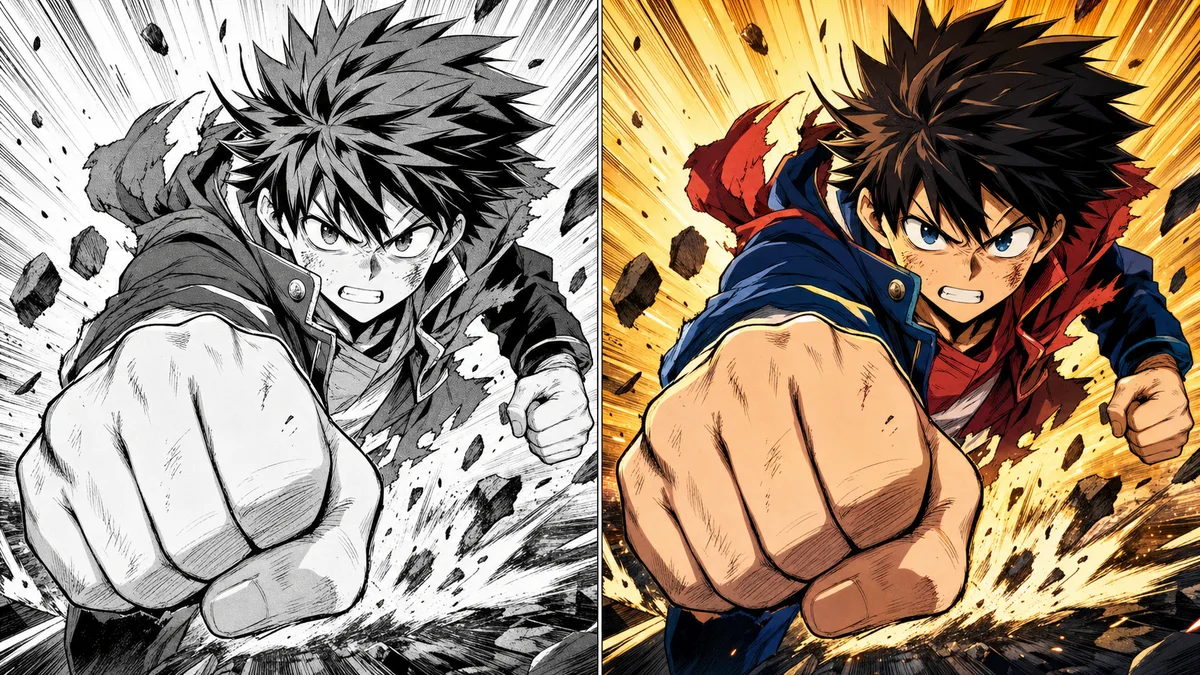
Clean shonen action panel
A high-contrast action panel gains bold cel-shaded color while the heavy ink lines stay crisp.
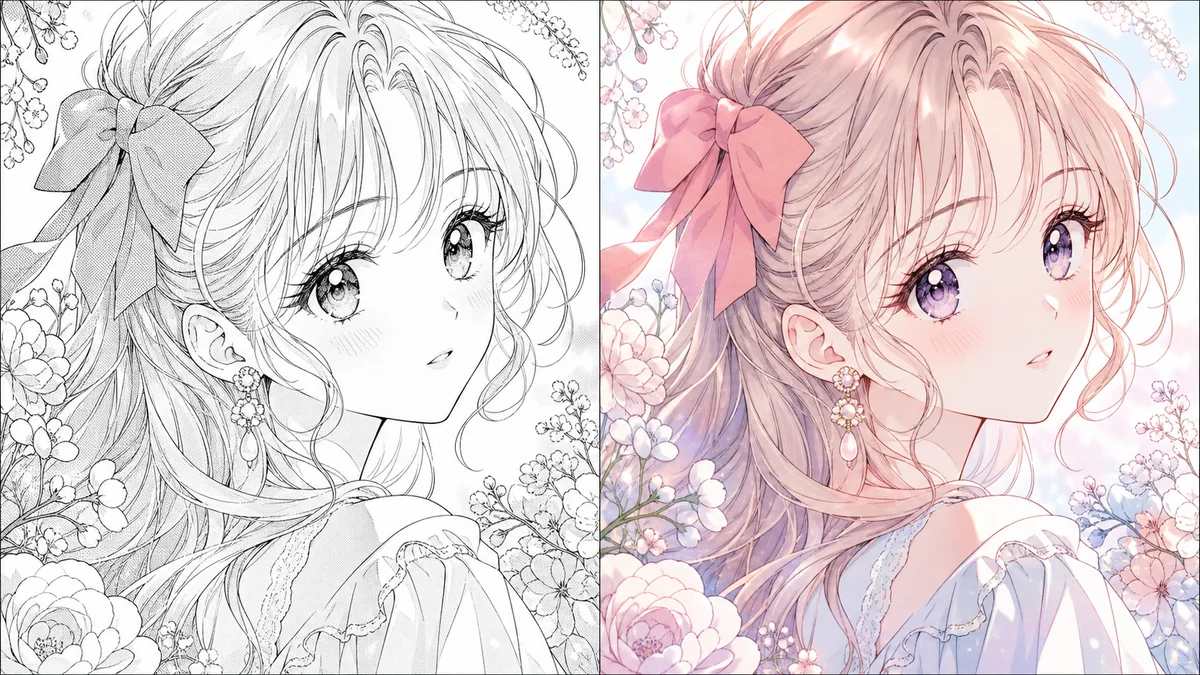
Soft shojo-style colorization
Delicate line art and floral details are colorized with pastel lighting, blush tones, and soft shadows.
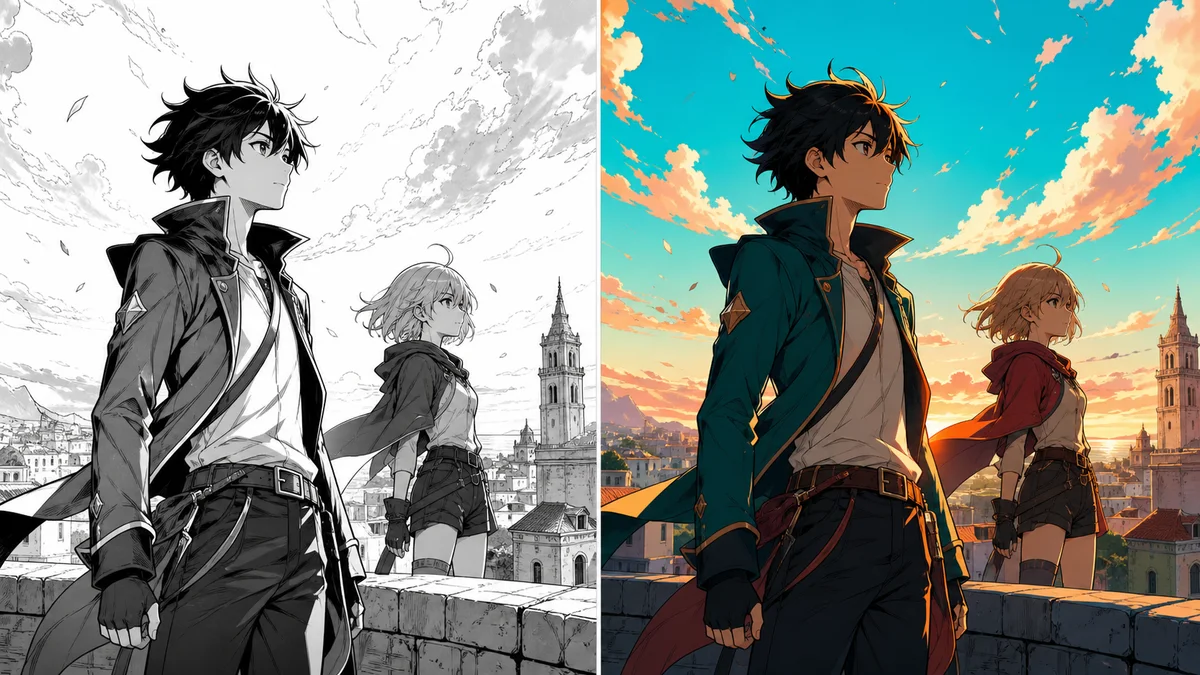
Webtoon-style palette
A rooftop scene shifts from grayscale line art to bright webtoon-inspired color and sunset lighting.
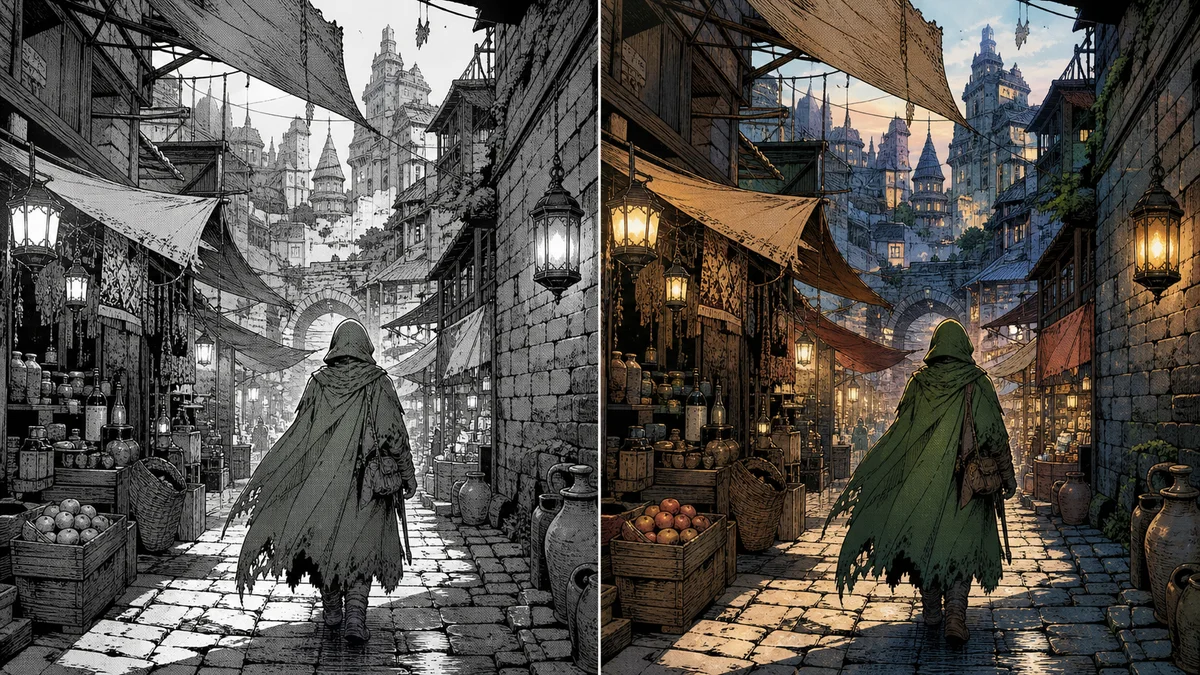
Grayscale scan with preserved line art
Dense screentone and background detail can still receive warm color while keeping the manga scan texture readable.
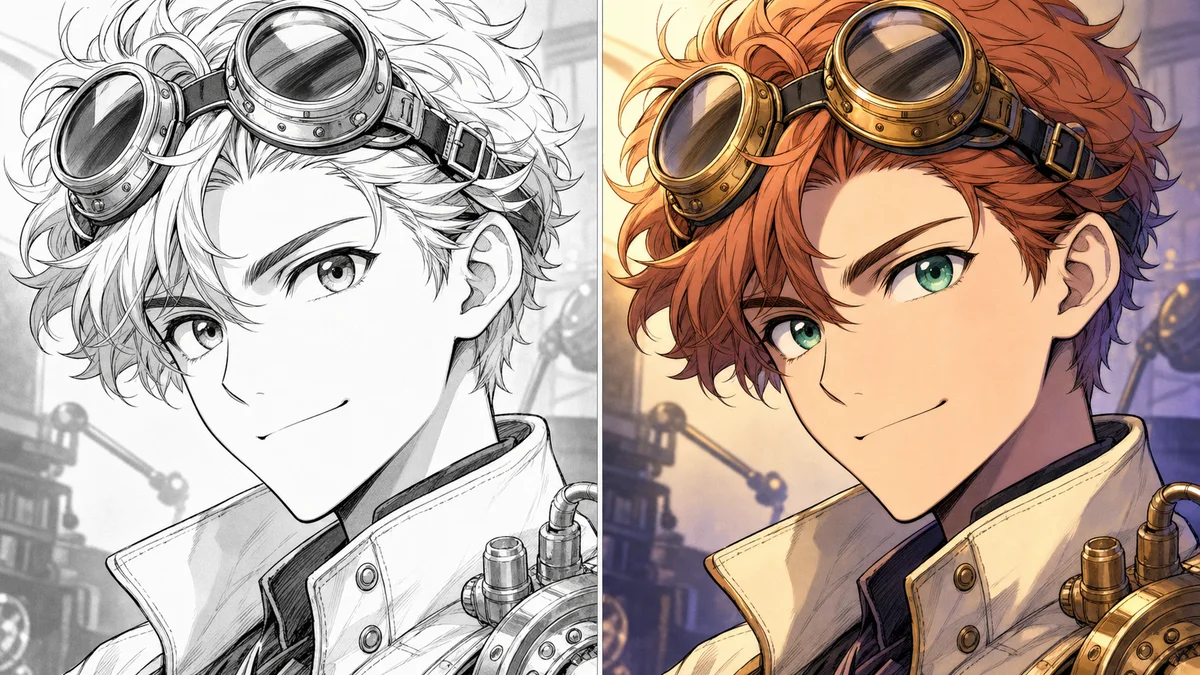
Character close-up with color notes
Specific notes for hair, eyes, clothing, and lighting help keep character colors intentional.
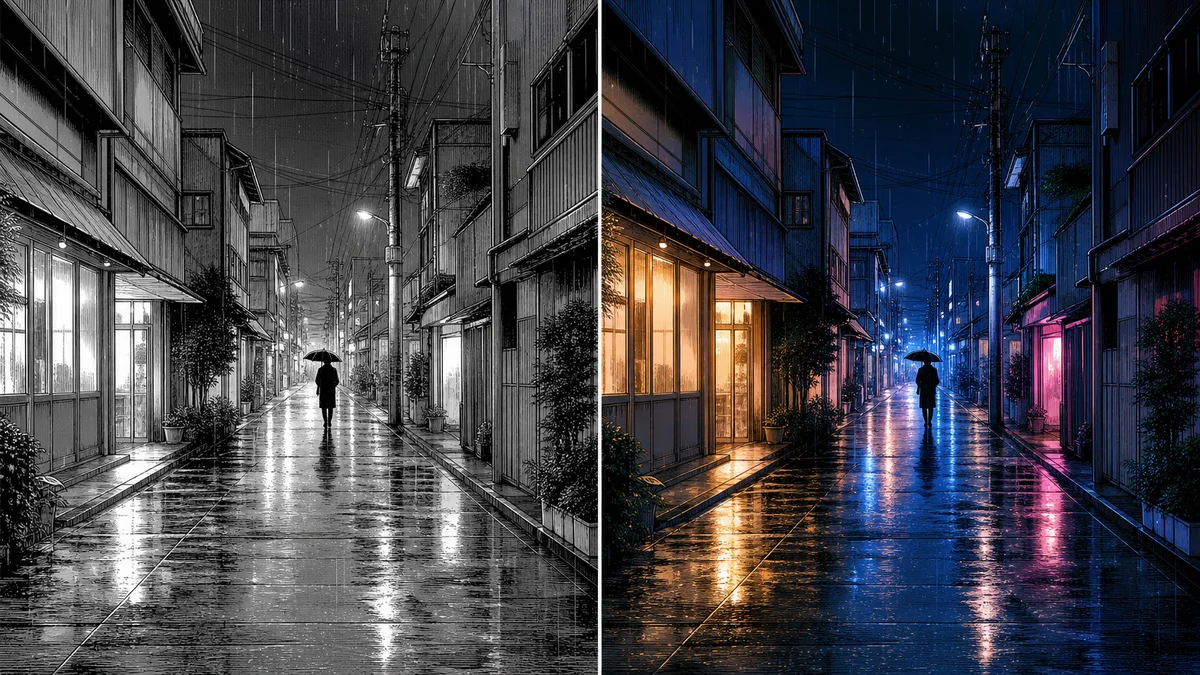
Background-heavy manga scene
Night scenes can use cool shadows, warm windows, and reflected light without losing fine ink details.
Why Use Kyukoma for Manga Colorization?
Kyukoma is built around manga and comic production, so the colorizer fits beside tools for cleaning, enhancing, and finishing panels.
Preserve line art and screentones
Generate color while keeping the ink structure, panel detail, and grayscale texture visible.
Guide colors with notes
Tell the AI about palettes, character colors, weather, lighting, or mood before generation.
Multiple colorizer models
Choose from available models with different credit costs and creative behavior.
Easy result downloads
Download colorized results when they are ready for editing, sharing, or upscaling.
Works with Kyukoma tools
Clean text, colorize panels, and upscale finished images inside the broader manga toolset.
Tips for Better Manga Colorization Results
Small input and prompt choices can make the difference between a muddy color pass and a clean, usable result.
- 01
Use clean scans or exports
Remove dust, compression artifacts, and heavy blur before upload whenever possible.
- 02
Increase contrast before upload
Clear blacks, readable whites, and stable grayscale tones help the model identify line art and shadows.
- 03
Specify character colors
Name important colors for hair, eyes, clothing, props, or recurring symbols.
- 04
Keep color notes short but concrete
Use focused notes like "muted city night, amber windows, blue shadows" instead of long paragraphs.
- 05
Repeat palette details across panels
When colorizing related panels, repeat the key colors so the sequence stays more consistent.
Manga Colorizer FAQ
